Get started with CorTeX
Open your first research document and choose a path for learning CorTeX.
CorTeX runs in your browser, so you can write Markdown or LaTeX without installing a TeX distribution or desktop editor.
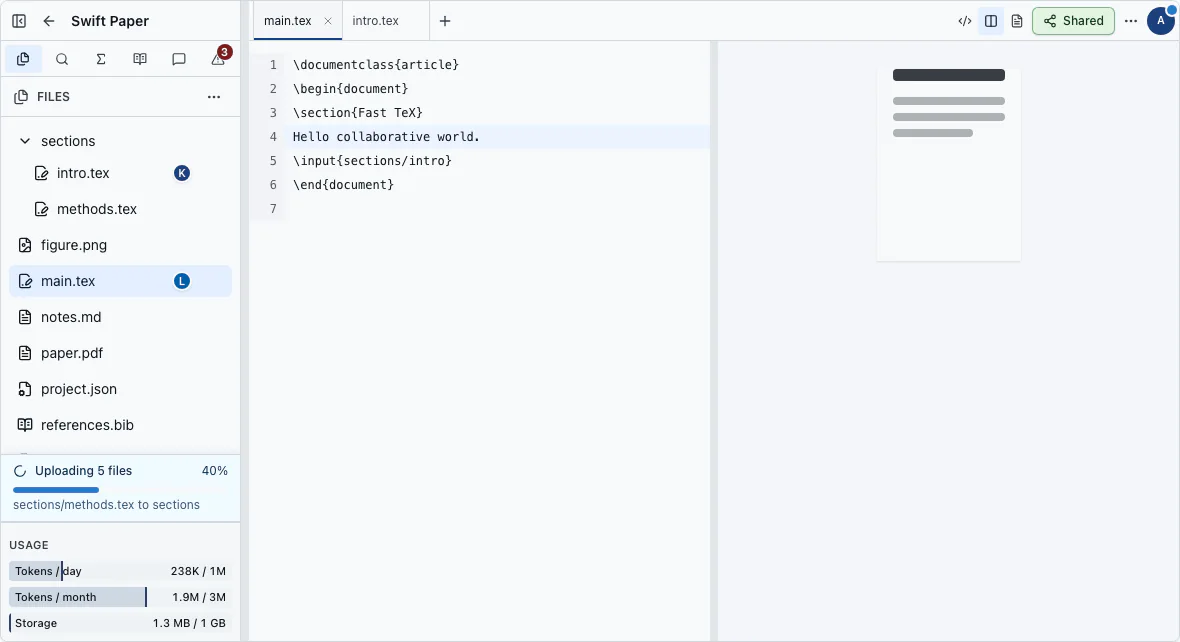
Choose how to begin#
- Open Try mode for a quick sample, or sign in first to keep your work online.
- Create a project, or import existing work from a public GitHub repository or ZIP archive.
- Open a source file and use the preview to check the result as you write.
Choose a writing format#
Markdown gives you an immediate HTML preview for notes and drafts. LaTeX produces a PDF for publication workflows. Read Choose Markdown or LaTeX if you are unsure, or learn what Try mode keeps before you begin there.